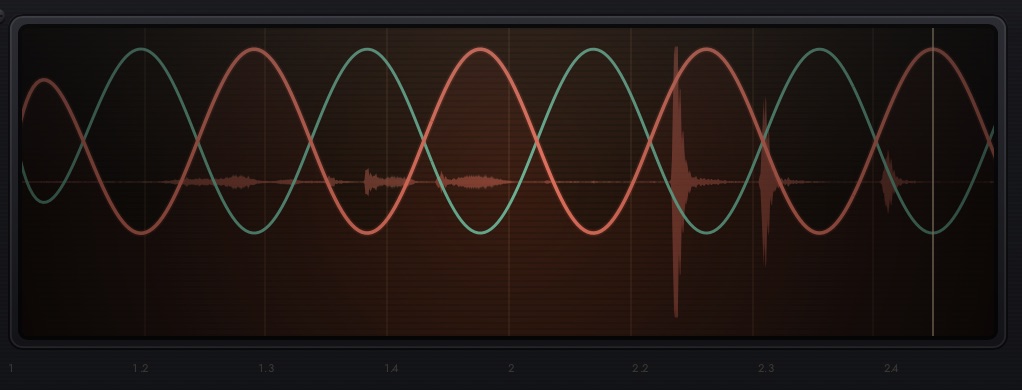
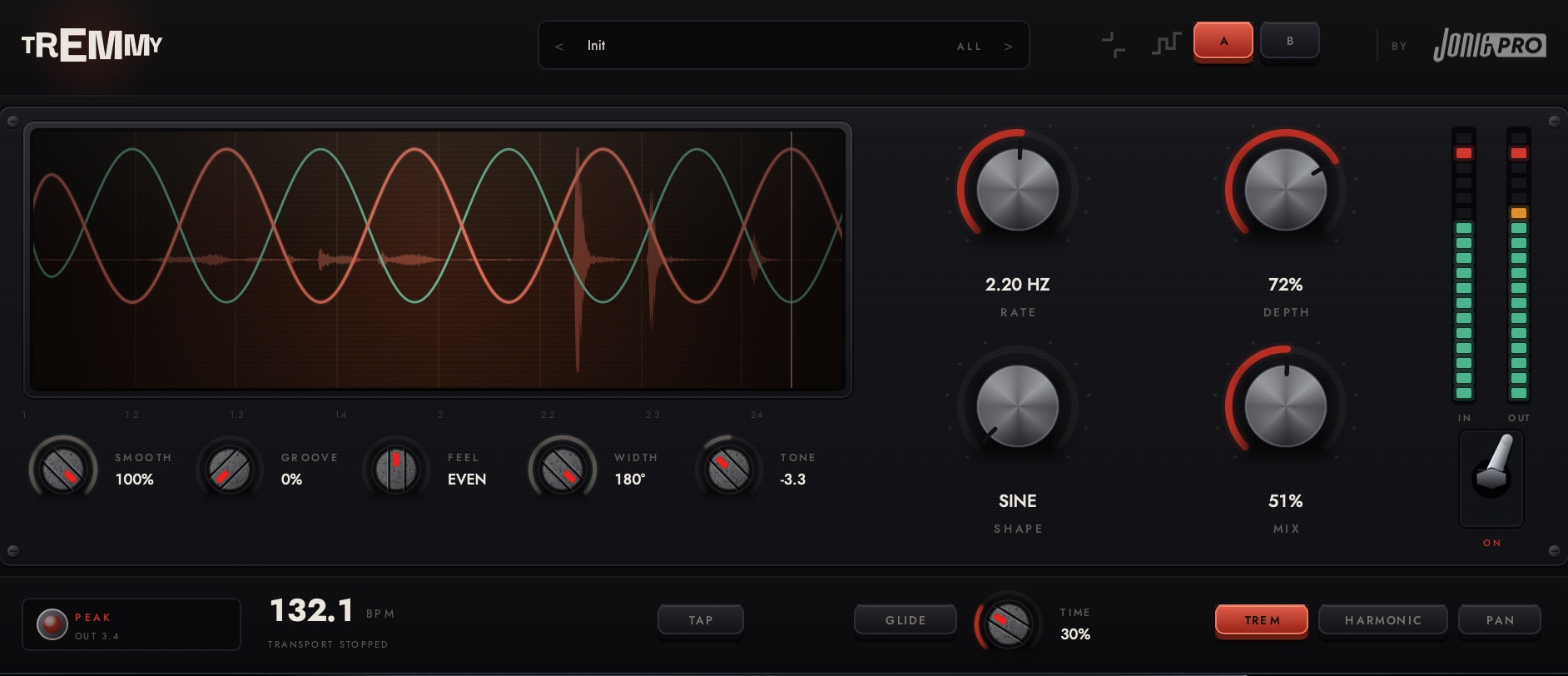
Tremmy is a tempo-synced tremolo plug-in with also harmonic, and auto-pan modes. Its display shows the modulation applied to your audio in real time.
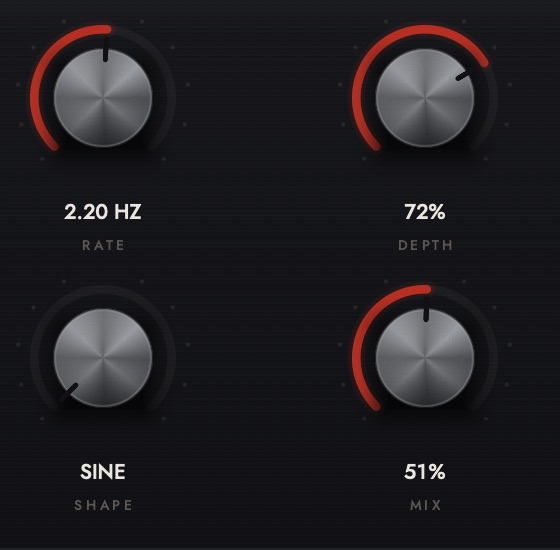
RATE selects note divisions when host sync is on and sets the speed in hertz in free mode. SHAPE moves from sine to triangle to square. DEPTH sets modulation amount, and MIX sets the wet/dry balance.
SMOOTH softens wave transitions, GROOVE delays every second cycle, and FEEL shifts the low point of the waveform. WIDTH controls stereo movement, while TONE adjusts the tonal balance.

Enable GLIDE to start each modulation dip a whole tone below pitch and return to pitch as the level rises. The TIME control sets how much of the cycle the glide occupies, so it follows the current rate and tempo.
Glide uses a short delay-line pitch sweep. The sweep begins at the quietest point of the modulation cycle to keep the transition unobtrusive.

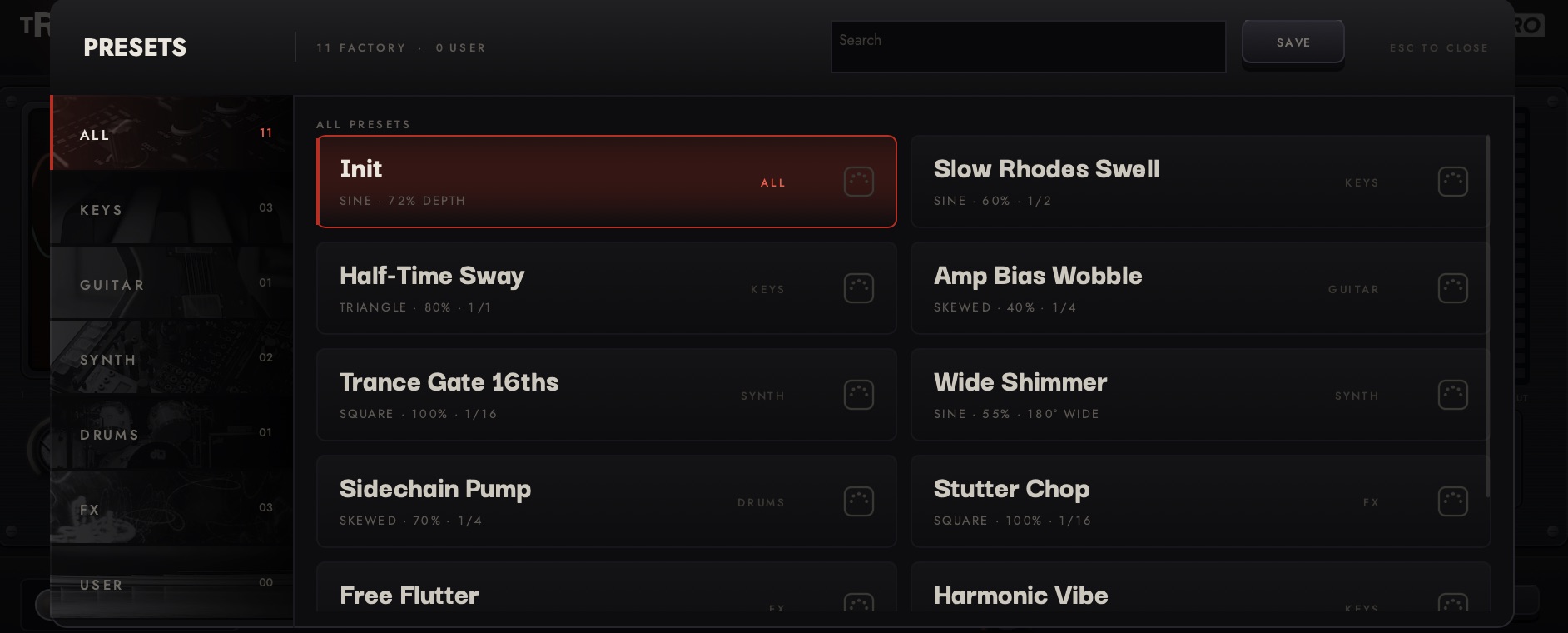
Eleven factory presets, MIDI learn for each control, A/B comparison, and a compact strip view for smaller screens.
Free to use. No account, licence key, or expiring trial.
If Tremmy is useful in your sessions, you can DONATE to support ongoing development. Donations are optional.
Universal for Apple Silicon and Intel. Approximately 13 MB.
Open the .pkg and complete the installer steps. It installs the VST3 and Audio Unit in the standard macOS plug-in folders. If macOS shows an unidentified developer warning, right-click the file and choose Open.
Logic and GarageBand cache their plug-in list - rescan if Tremmy does not appear.
The package also contains the individual plug-in files. Install them here:
Tremmy.vst3 → /Library/Audio/Plug-Ins/VST3/
Tremmy.component → /Library/Audio/Plug-Ins/Components/
Yes. Tremmy is free to download and use, with no account, no licence key and no expiring trial. Donations are welcome if it earns a place in your sessions, but nothing is held back if you never give one.
Tremmy ships as a VST3 for macOS, Windows and Linux, and as an Audio Unit (AU) for macOS. The macOS build is universal, so it runs natively on both Apple Silicon and Intel machines. There is no AU on Windows or Linux, because the format is macOS-only.
Any host that loads VST3 or AU: Ableton Live, Logic Pro, FL Studio, Cubase, Reaper, Studio One, Bitwig, GarageBand, Ardour and others. The installer puts the plug-in in the folder your host already scans, so there is no folder to find.
The display. Most tremolo plug-ins draw an idealised wave that stands for what the effect might be doing. Tremmy draws the modulation it is actually applying, with smoothing, swing and shape included, over the audio that went through it, so you can see the effect rather than infer it.
Switch SYNC on and the rate snaps to note divisions from 1/1 down to 1/16, including triplets, and follows your session tempo. The LFO re-anchors to the host's playback position every block, so it follows loop jumps, scrubbing and tempo automation without drifting. With the transport stopped it keeps running at the synced rate.
Yes. Tremmy is an audio effect, so on a MIDI track it goes after the instrument. It then shapes the sound the instrument makes, which is how you get a tremolo on a software piano, pad or organ.
GLIDE turns every dip in the modulation into a run-up: the pitch starts a whole tone below and sweeps into place as the level climbs back. The time knob is a share of the cycle, so it stays in proportion whatever the tempo or rate.
Every control is automatable from your host, and every control has MIDI learn. Right-click a knob to bind it to a CC, and the binding is stored with your session.